
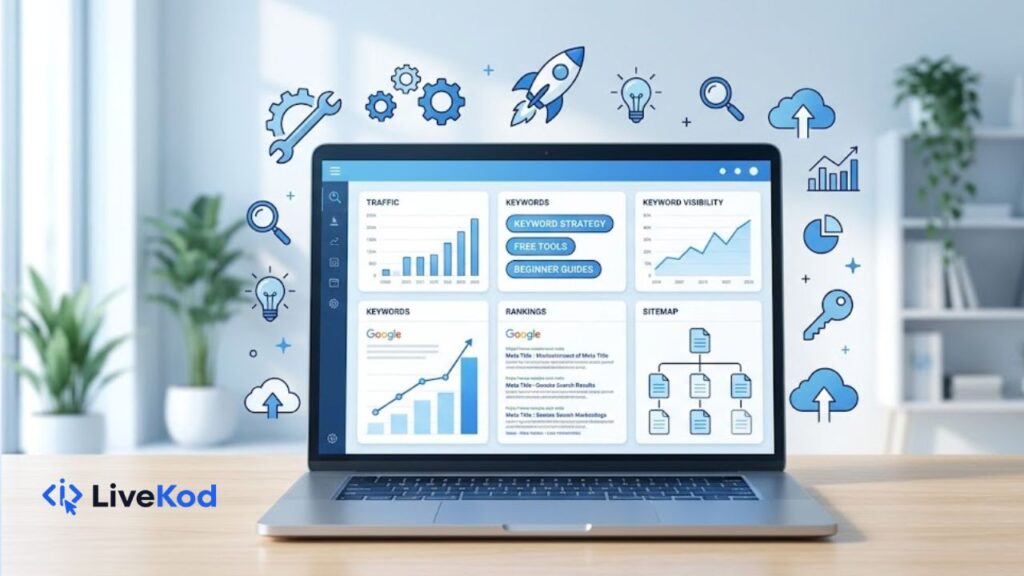
SEO can feel confusing when you are starting a new website. There are meta titles, descriptions, keywords, sitemaps, robots.txt files, schema markup, redirects, and search result previews. The good news is that you do not need to handle everything manually. With the right free SEO tools, beginners can check basic issues, improve pages, and make content easier for search engines and visitors to understand.
On livekod.com SEO Tools, you can use simple browser-based tools for common SEO tasks. These tools are useful for bloggers, small business owners, WordPress users, and beginners who want to improve their pages without complicated software.
Why SEO Tools Matter for New Websites
A new website usually has two big challenges: search engines need to understand the pages, and users need a clear reason to click. SEO tools help with both. They allow you to review titles, descriptions, content, technical files, and structured data before publishing or updating a page.
Google explains that SEO is about helping search engines understand your content and helping users decide whether they should visit your site through search. That means beginner SEO is not only about ranking. It is also about clarity, relevance, and a better user experience.
External reference: Google SEO Starter Guide.
1. Start with a Strong Meta Title
A meta title is often the first thing people see in search results. It should describe the page clearly, include the main keyword naturally, and stay concise. A weak title can reduce clicks even if the page is useful.
You can use the Meta Title Checker to review title length and improve readability before publishing a page. For example, instead of writing a vague title like “Tools Page”, use something clearer such as “Free SEO Tools for Website Optimization”.
2. Write Better Meta Descriptions
A meta description does not need to be stuffed with keywords. Its job is to summarize the page and encourage the right user to click. A good description should explain the benefit, match the content, and stay readable on search results.
Use the Meta Description Checker to check description length and quality. This is especially helpful when writing pages for tools, blog posts, service pages, or WordPress tutorials.
3. Preview Your Search Result Snippet
Before publishing a page, it is useful to see how the title, URL, and description may look together. A search snippet preview can help you notice if the title is too long, the description is weak, or the message does not match the page.
The SERP Preview Tool helps you preview your page as a search result. This can improve click-through rate because you can adjust the wording before Google or other search engines show the page.
4. Check Keyword Density Without Overdoing It
Keywords help explain the topic of a page, but repeating the same phrase too many times can make content look unnatural. Instead of focusing only on exact keyword count, check whether your content uses the main topic naturally along with related words.
The Keyword Density Checker can help you see repeated terms and understand whether your article is balanced. It is useful after writing blog posts, landing pages, and tool descriptions.
5. Use Robots.txt and XML Sitemaps Correctly
Technical SEO starts with making sure important pages can be discovered and crawled. A robots.txt file can guide search engine crawlers, while an XML sitemap can list important URLs on your site. Beginners should be careful not to block pages they want indexed.
For technical setup, use the Robots.txt Generator and the XML Sitemap Generator. These tools are helpful when setting up a new website or checking basic crawl guidance.
6. Add Schema Markup Where It Makes Sense
Schema markup is structured data that gives search engines extra context about a page. It can be useful for articles, FAQs, products, tools, local businesses, and other content types. Beginners should use schema only when it accurately matches the page content.
You can create structured data with the Schema Markup Generator. For question-and-answer sections, the FAQ Schema Generator can help generate JSON-LD markup quickly.
7. Improve Social Sharing with Open Graph Tags
SEO is not only about search results. When people share your page on social platforms, the preview title, description, and image can affect clicks. Open Graph tags help control how your content appears when shared.
Use the Open Graph Tag Generator to create social meta tags for better link previews. This is useful for blog articles, tool pages, and website guides.
8. Handle Old URLs with 301 Redirects
When you change a URL or remove an old page, visitors and search engines need a clear path to the new location. A 301 redirect tells browsers and search engines that the page has permanently moved. This can protect user experience and reduce broken links.
The 301 Redirect Generator can help create redirect code for common server setups. Always test redirects after adding them to your site.
Simple SEO Workflow for Beginners
Here is a simple workflow you can follow when publishing a new page or blog post:
- Choose one clear main topic and one primary keyword.
- Write a helpful title that includes the topic naturally.
- Create a short meta description that explains the page benefit.
- Use a SERP preview to check how the page may appear in search.
- Review keyword usage and remove unnatural repetition.
- Add internal links to related pages on your website.
- Use schema only when it matches the visible content.
- Check sitemap and robots.txt settings after major site changes.
Recommended livekod.com SEO Tools
- Meta Title Checker – check title length and quality.
- Meta Description Checker – review descriptions before publishing.
- SERP Preview Tool – preview search result snippets.
- Keyword Density Checker – analyze repeated keywords and content balance.
- Robots.txt Generator – create basic crawler instructions.
- XML Sitemap Generator – build a sitemap for important URLs.
- Schema Markup Generator – generate structured data.
- FAQ Schema Generator – create FAQ schema for Q&A sections.
- Open Graph Tag Generator – create social sharing meta tags.
- 301 Redirect Generator – generate redirect code for moved pages.
Final Thoughts
SEO becomes easier when you break it into small checks. Start with clear titles and descriptions, review your search preview, keep content natural, and use technical tools only where they are needed. For beginners, the best approach is to publish useful content, improve pages step by step, and keep the website easy for users and search engines to understand.Explore the full collection of free SEO tools on livekod.com to optimize your website pages faster.