
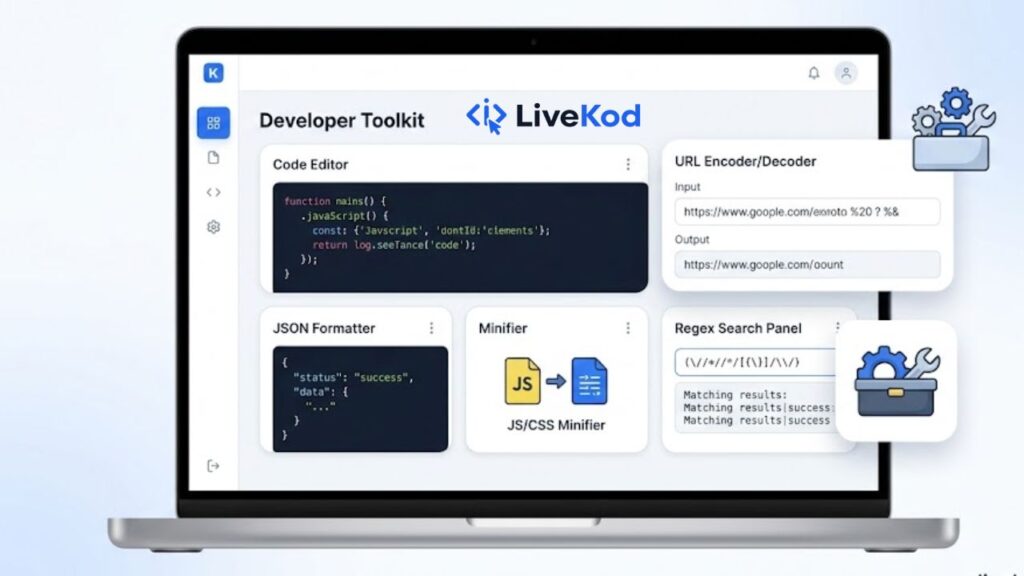
A good developer does not only write code. A good developer also checks, formats, tests, and improves code before it goes live. This is where online Developer Tools become useful. Instead of installing a separate app for every small task, you can use simple browser-based utilities to clean JSON, validate data, encode text, minify front-end files, test regular expressions, decode tokens, and generate unique IDs.
For bloggers, website owners, WordPress users, and junior developers, these tools save time during everyday work. They are especially helpful when you need quick output, want to avoid manual mistakes, or need a clean result before adding code to a website. In this guide, we will explore the most useful developer tools on livekod.com and how each one can support faster coding, debugging, and web project management.
Why developer tools matter for daily website work
Small coding tasks can take more time than expected when they are done manually. A missing comma in JSON, an unescaped URL character, an oversized CSS file, or an incorrect regex pattern can break a feature or slow down a page. Online developer tools help by giving instant feedback and formatted output. They are not a replacement for deep coding knowledge, but they are a practical support system for common tasks.
If you manage a website, these tools can also reduce dependency on plugins for very small jobs. For example, you can generate a UUID for testing, decode a JWT to understand its payload, or minify a CSS file before adding it to a page. When combined with good practices, developer utilities make your workflow cleaner and more reliable.
1. Format and validate JSON before using it
JSON is widely used for APIs, configuration files, structured data, and many WordPress or JavaScript features. When JSON is hard to read, use the JSON Formatter to beautify it into a clean layout. This makes nested data easier to understand and edit.
After formatting, check the same code with the JSON Validator. Validation helps you find syntax problems such as missing quotes, extra commas, or broken brackets before the code causes errors. For a helpful external reference, you can also read the MDN Web Docs guide on working with JSON, which explains how JSON works in web development.
2. Encode and decode data safely
Encoding tools are useful when text needs to be transferred safely between systems. The Base64 Encoder Decoder can convert normal text into Base64 and decode Base64 back into readable text. This is useful for testing, data transfer, and understanding encoded strings.
Similarly, the URL Encoder Decoder helps when a URL contains spaces, symbols, or query parameters. Correct URL encoding prevents broken links and helps data pass properly through web forms, APIs, and tracking links.
3. Minify HTML, CSS, and JavaScript for cleaner files
Website speed is affected by many things, including file size. Minification removes extra spaces, comments, and line breaks from code. It does not change how the code works, but it makes the file smaller and cleaner for production use.
For front-end files, you can use the HTML Minifier, CSS Minifier, and JavaScript Minifier. These tools are helpful when you want to quickly compress code before adding it to a custom page, WordPress snippet, or static website file.
4. Test regex patterns before adding them to code
Regular expressions are powerful, but they can also be confusing. A small mistake in a pattern may match the wrong text or fail completely. Before using a regex inside a form validator, content filter, or script, test it with the Regex Tester.
This is useful for checking email patterns, extracting numbers, finding repeated words, validating slugs, or cleaning text. Testing first helps you avoid unexpected behavior in live code.
5. Decode JWTs and generate UUIDs for testing
Modern apps often use tokens and unique identifiers. The JWT Decoder lets you decode a JSON Web Token and view its header and payload in a readable format. This can help you understand token structure during testing or debugging.
For unique IDs, the UUID Generator creates random UUID values that can be used in sample data, database testing, mock projects, and development workflows.
How to use developer tools in a better workflow
The best way to use developer tools is to build a simple workflow around them. First, format the code so it is readable. Second, validate it to catch mistakes. Third, minify the final version if it is going into a live website. Fourth, keep testing small parts, such as URLs, regex patterns, and encoded strings, before adding them into a bigger project.
You can also combine these tools with other useful sections on livekod.com. For search optimization tasks, explore the SEO Tools. For everyday utilities such as counters, converters, and notepad tools, visit the Web Tools section.
Conclusion
Developer tools are small utilities, but they can make a big difference in daily web work. Whether you are formatting JSON, validating code, encoding URLs, minifying scripts, testing regex, decoding JWTs, or creating UUIDs, the Developer Tools section on livekod.com gives you quick access to practical tools for faster and cleaner development.
Use these tools whenever you need quick output, a clean code format, or a simple way to check something before publishing it on a live site. A faster workflow means fewer mistakes, better productivity, and more confidence when managing web projects.